# Zard UI

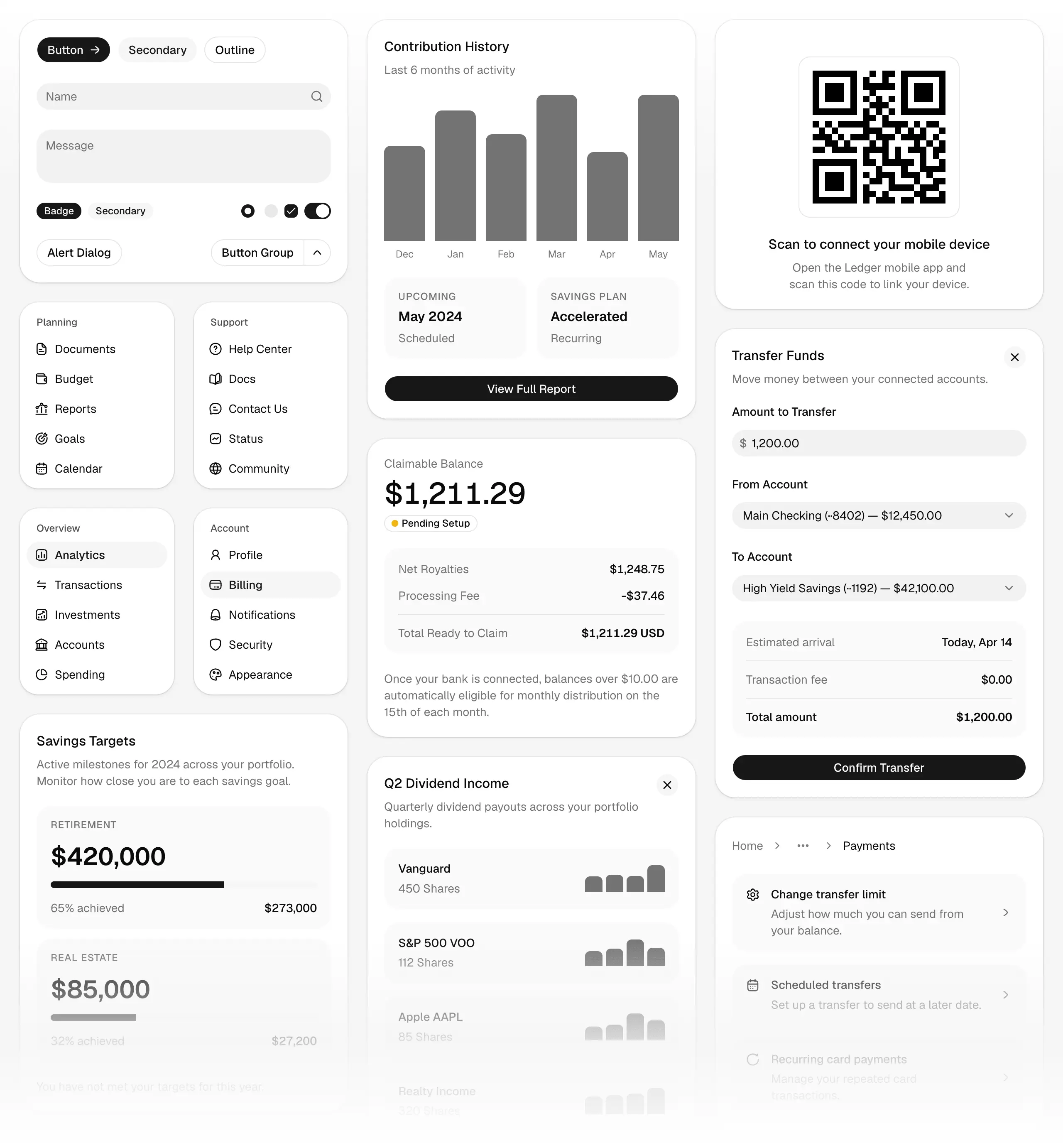
> Zard UI is a collection of beautifully-designed, accessible Angular components built with TypeScript, TailwindCSS v4, and Class Variance Authority (CVA). Inspired by shadcn/ui, it provides a modern component library with signal-based inputs, OnPush change detection, and type-safe styling variants. Open Source. Open Code. AI-Ready.

## Overview

- [Home](https://zardui.com/): Main landing page showcasing Zard UI features and capabilities.
- [Documentation](https://zardui.com/docs): Complete documentation for Zard UI components and guides.
- [Components](https://zardui.com/docs/components): Browse all available components in the library.
- [Blocks](https://zardui.com/blocks): Pre-built component compositions and templates.
- [Colors](https://zardui.com/colors): Tailwind color palette reference in all formats.

## Get Started

- [Introduction](https://zardui.com/docs/introduction): Core principles, architecture overview, and getting started with Zard UI.
- [Installation](https://zardui.com/docs/installation): Step-by-step guide to install Zard UI in your Angular project.
- [Components JSON](https://zardui.com/docs/components-json): Configuration file for customizing the CLI and component installation.
- [Theming](https://zardui.com/docs/theming): Guide to customizing colors, typography, and design tokens with TailwindCSS v4.
- [Pre-processors](https://zardui.com/docs/pre-processors): Understanding SCSS/Sass integration with Tailwind v4 - risks, limitations, and alternatives.
- [Dark Mode](https://zardui.com/docs/dark-mode): Implementing dark mode in your Angular application.
- [CLI](https://zardui.com/docs/cli): Command-line tool for installing and managing Zard UI components.
- [Figma](https://zardui.com/docs/figma): Figma design resources and component library.
- [Changelog](https://zardui.com/docs/changelog): Release notes, version history, and updates.
- [About](https://zardui.com/docs/about): Credits, project information, and acknowledgments.

## Components

### Form & Input

- [Button](https://zardui.com/docs/components/button): Button component for Angular applications.
- [Input](https://zardui.com/docs/components/input): Input component for Angular applications.
- [Checkbox](https://zardui.com/docs/components/checkbox): Checkbox component for Angular applications.
- [Radio](https://zardui.com/docs/components/radio): Radio component for Angular applications.
- [Select](https://zardui.com/docs/components/select): Select component for Angular applications.
- [Switch](https://zardui.com/docs/components/switch): Switch component for Angular applications.
- [Slider](https://zardui.com/docs/components/slider): Slider component for Angular applications.
- [Calendar](https://zardui.com/docs/components/calendar): Calendar component for Angular applications.
- [Date Picker](https://zardui.com/docs/components/date-picker): Date Picker component for Angular applications.
- [Combobox](https://zardui.com/docs/components/combobox): Combobox component for Angular applications.
- [Form](https://zardui.com/docs/components/form): Form component for Angular applications.
- [Input Group](https://zardui.com/docs/components/input-group): Input Group component for Angular applications.

### Layout & Navigation

- [Accordion](https://zardui.com/docs/components/accordion): Accordion component for Angular applications.
- [Breadcrumb](https://zardui.com/docs/components/breadcrumb): Breadcrumb component for Angular applications.
- [Menu](https://zardui.com/docs/components/menu): Menu component for Angular applications.
- [Tabs](https://zardui.com/docs/components/tabs): Tabs component for Angular applications.
- [Divider](https://zardui.com/docs/components/divider): Divider component for Angular applications.
- [Resizable](https://zardui.com/docs/components/resizable): Resizable component for Angular applications.

### Overlays & Dialogs

- [Dialog](https://zardui.com/docs/components/dialog): Dialog component for Angular applications.
- [Alert Dialog](https://zardui.com/docs/components/alert-dialog): Alert Dialog component for Angular applications.
- [Sheet](https://zardui.com/docs/components/sheet): Sheet component for Angular applications.
- [Popover](https://zardui.com/docs/components/popover): Popover component for Angular applications.
- [Tooltip](https://zardui.com/docs/components/tooltip): Tooltip component for Angular applications.
- [Dropdown](https://zardui.com/docs/components/dropdown): Dropdown component for Angular applications.
- [Command](https://zardui.com/docs/components/command): Command component for Angular applications.

### Feedback & Status

- [Alert](https://zardui.com/docs/components/alert): Alert component for Angular applications.
- [Toast](https://zardui.com/docs/components/toast): Toast component for Angular applications.
- [Progress Bar](https://zardui.com/docs/components/progress-bar): Progress Bar component for Angular applications.
- [Loader](https://zardui.com/docs/components/loader): Loader component for Angular applications.
- [Skeleton](https://zardui.com/docs/components/skeleton): Skeleton component for Angular applications.
- [Badge](https://zardui.com/docs/components/badge): Badge component for Angular applications.
- [Empty](https://zardui.com/docs/components/empty): Empty component for Angular applications.

### Display & Media

- [Avatar](https://zardui.com/docs/components/avatar): Avatar component for Angular applications.
- [Card](https://zardui.com/docs/components/card): Card component for Angular applications.
- [Table](https://zardui.com/docs/components/table): Table component for Angular applications.
- [Icon](https://zardui.com/docs/components/icon): Icon component for Angular applications.

### Misc

- [Toggle](https://zardui.com/docs/components/toggle): Toggle component for Angular applications.
- [Toggle Group](https://zardui.com/docs/components/toggle-group): Toggle Group component for Angular applications.
- [Segmented](https://zardui.com/docs/components/segmented): Segmented component for Angular applications.
- [Pagination](https://zardui.com/docs/components/pagination): Pagination component for Angular applications.

## Installation

### Using CLI (Recommended)

```bash
npx @ngzard/ui init
npx @ngzard/ui add button
```

### Manual Installation

```bash
npm install class-variance-authority clsx tailwind-merge
```

Then copy component code from the documentation.

## Key Features

- 🎨 **Modern Design**: Beautiful, accessible components inspired by shadcn/ui
- âš¡ **Performance**: Signal-based inputs with OnPush change detection
- 🎯 **Type-Safe**: Full TypeScript support with CVA for styling variants
- 🌙 **Dark Mode**: Built-in dark mode support
- 📦 **Tree-Shakeable**: Import only what you need
- 🔧 **Customizable**: Easy theming with TailwindCSS v4
- ♿ **Accessible**: ARIA-compliant components
- 📱 **Responsive**: Mobile-first design approach

## Tech Stack

- Angular 19+
- TypeScript
- TailwindCSS v4
- Class Variance Authority (CVA)
- Angular CDK
- Lucide Icons

## License

MIT License - Open Source